Rebuilding My Resume Site with Astro and Cloudflare Pages
How I replaced an aging static resume template with Astro 7 and Cloudflare Pages, improved the underlying career content, and cleaned up the repository.

5 min read
My resume site had been online for years, and it still worked. That was also part of the problem. A working site is easy to leave alone, even when the code behind it has become harder to understand and the content no longer reflects the work you are doing.
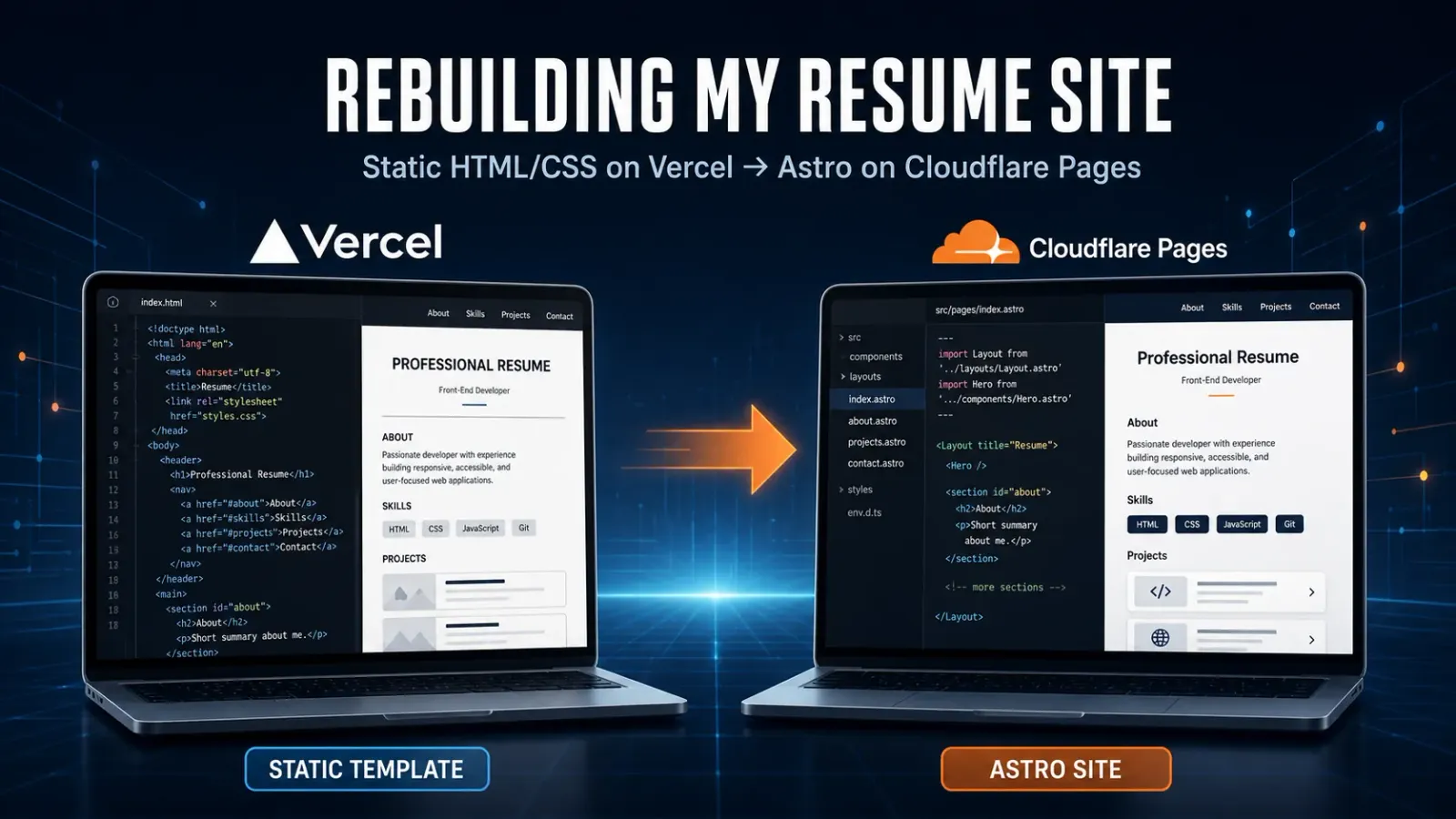
The old site was a single-page HTML template hosted on Vercel. It had a large stylesheet, more than 20 color variations, several jQuery plugins, an AJAX-loaded portfolio, custom font files, PHP contact-form code, and other pieces left over from the original theme. Most of that was no longer doing anything useful. Updating the resume meant finding the right section inside one large HTML file and working around the template.
After rebuilding this blog with Astro, I decided to give the resume the same treatment.
Starting with the content
I originally approached this as a website redesign, but the more important work turned out to be the resume itself.
The previous site compressed more than two decades of military and civilian experience into short entries that did not always explain the scope of the work. I went back to performance evaluations, existing career records, and the resume I maintain in Google Docs. That gave me enough source material to expand several Army positions, including Company Executive Officer, Battery Commander, and Division Training Officer, without relying on generic leadership language.
I also updated the education section to include my current enrollment in the U.S. Army War College Distance Education Program, where I expect to complete a Master of Strategic Studies in 2028. Volunteer work needed attention too. I added my work as the Kansas Cannoneers web developer and corrected the end date for my time as Digital Communications Officer for the Sigma Nu KSU Alumni organization.
The new site now pulls most of this information from one TypeScript data file. Experience, education, volunteer work, profile details, and references are separate records instead of scattered HTML. That should make the next update much less painful.
Replacing the old template
The replacement is a fully static site built with Astro 7, Tailwind CSS 4, and TypeScript. I used the Cosmic Themes resume starter as a visual reference, especially for its lighter cards and spacing, but built the site around my own content and existing assets.
I wanted to keep some visual character without returning to the dark, heavy feel of the old template. The current layout uses a dark blue page background with white content cards. Education moved from three columns to two, which gives the school crests more room and reads better at common desktop widths. I updated the Baker University and Kansas State University images, added the U.S. Army War College seal, and added the Kansas Cannoneers logo to the volunteer section.
The downloadable PDF is now the same current resume I use elsewhere. Google Analytics and Plausible remain in place, so the rebuild did not discard the small amount of traffic history I already collect.
Astro produces ordinary static files. There is no server-side application, database, Pages Function, or Cloudflare Worker involved in serving the resume. For a site that changes occasionally and mostly displays text and images, that is exactly what I need.
Moving from Vercel to Cloudflare Pages
Vercel was not causing a problem. It had hosted the old static site without much attention from me. I moved the resume because Cloudflare already handles my DNS and now hosts this blog. Keeping both static sites on Cloudflare Pages gives me one deployment model and one place to check when something goes wrong.
The GitHub repository is connected directly to Cloudflare Pages. A merge into main starts a build, and a successful build publishes to resume.derekleeds.com. The production branch is now main, and I turned off the old Vercel connection after the Cloudflare version was working on the custom domain.
The first Cloudflare build did fail. Cloudflare detected Node.js 22.12.0 and pnpm 11.19.0, but that pnpm release required at least Node.js 22.13. Setting the project to Node.js 24.15 resolved the mismatch. It was a small configuration change, but the build log made the cause clear.
Cleaning up after the migration
During development, the old site and the new Astro site lived together in the repository. That was useful while comparing content and assets, but it was not a good permanent arrangement.
Once the Astro version was live and the domain was in place, I removed the retired HTML, CSS, JavaScript, PHP, font, and template files. That cleanup removed more than 52,000 lines across 171 files. The repository now contains the application that is actually deployed, without a second website sitting beside it.
The work happened on an astro-resume-migration branch. After testing the Cloudflare deployment, I merged the pull request into main, changed Cloudflare’s production branch to main, and deleted the migration branch locally and on GitHub. I also updated the repository’s website field so it points to the custom domain instead of the old Vercel address.
The new update process
Most future content changes should be straightforward:
- Update
src/data/resume.ts. - Replace the PDF in
public/assets/when the document changes. - Add or replace an image in the same assets directory when needed.
- Review the change in a branch and merge it into
main. - Let Cloudflare Pages build and publish the site.
There are still a few choices I may revisit later. I could add a content editor, split the resume into more pages, or build different versions for different audiences. None of that is necessary now. The current site is small, readable, and much easier to update than the one it replaced.
The old resume site was not broken. It had simply reached the point where maintaining the template took more effort than the site deserved. Rebuilding it gave me a better website, but more importantly, it forced me to improve the content and organize it in a way I can keep current.